







App & devices

Check your device, prepare your access details and work through common playback problems before asking for help.

Find your player

A familiar app. Your favourite screen.

Explore player apps and check which one fits your device in our setup guide.

Setup help
  • TiviMate

  • IPTV Smarters Pro

  • IBO Player Pro

  • Smart IPTV

  • Kodi

  • VLC

App availability varies by device and country. Check any separate app licence before you install.

A practical checklist for your device

App availability can depend on your device model, software version and country. Confirm your setup before choosing an app or ordering.

Before you install

  1. Note your exact device model and software version. Ask support which app and sign-in method are supported for that combination.
  2. Check the app name and publisher in your device’s official store. Follow the installation instructions supplied for your confirmed setup.
  3. Install device updates and connect to a stable home network. Keep your activation details ready and your password private.
Read the device preparation guide

If playback does not work

  1. Check whether another app can connect, then restart the player and device. Check that the device date, time and time zone are correct.
  2. For buffering, pause large downloads and try a lower video quality. Test a wired connection if your device supports one.
  3. If the problem continues, tell support your model, app version, error message and when it happened. Do not include your password.
Check setup and connection questions
Ready in minutes

From sign-up to switch-on.

Check your device, prepare your access details and work through common playback problems before asking for help.

  1. 01

    Choose a plan

    Select the duration that suits the way you watch.

  2. 02

    Receive your details

    Get your access information and the guide for your device.

  3. 03

    Press play

    Complete the quick setup and start exploring.

ArkPower TV

Why viewers choose ArkPower TV

01

All your favourites

Move easily between live channels, films, series and family entertainment.

02

Made for every screen

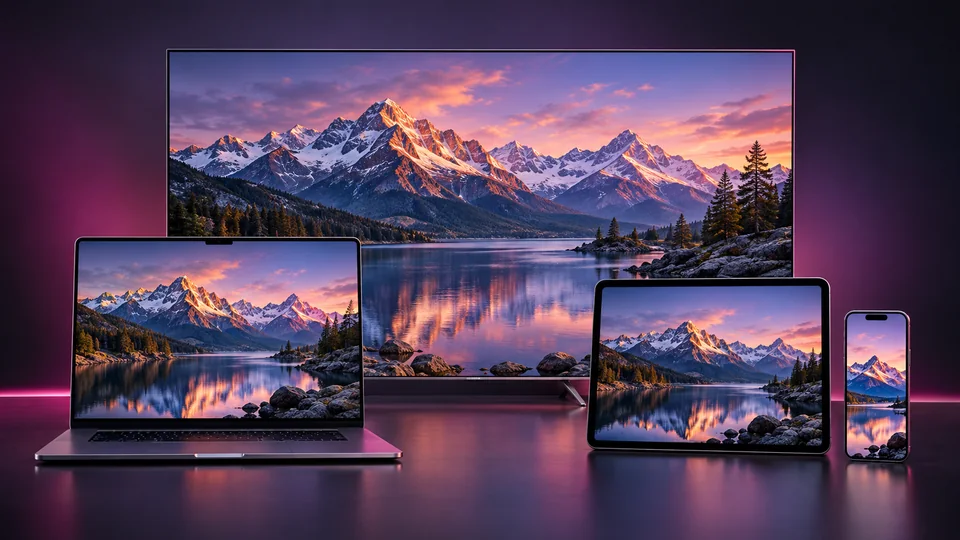
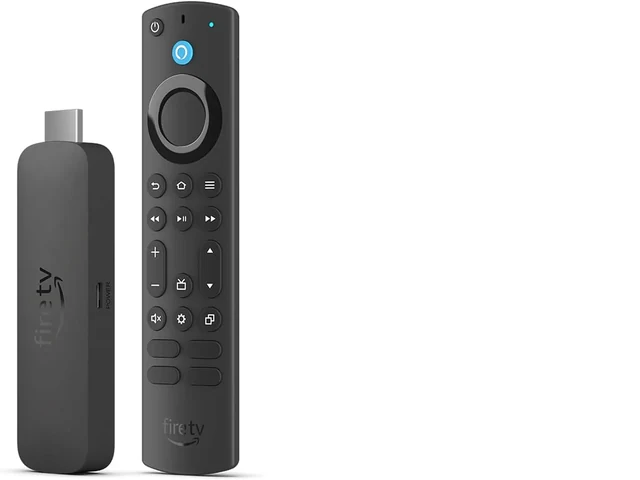
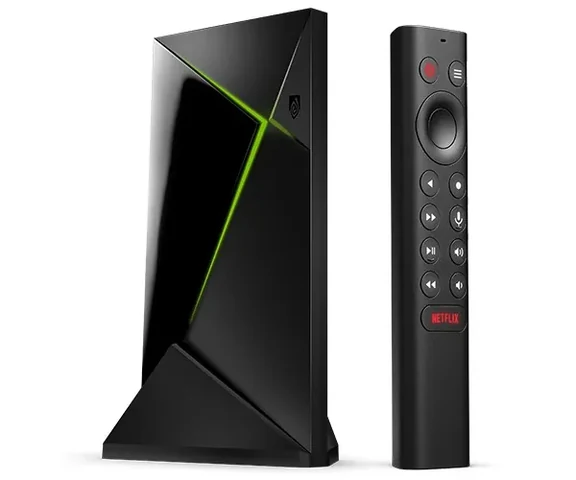
Use your smart TV, TV stick, mobile, tablet or computer.

03

Sharp, smooth viewing

Enjoy HD and 4K-ready playback with a stable internet connection.

04

Straightforward support

Get clear setup guidance and practical help when you need it.

Ready to begin?

Bring every kind of night together.

Choose a plan or ask for help selecting the right setup for your main screen.